
Navigation › Production › Processing › Assemblies
Note: This article focuses on the simplest common use case for processing an unprocessed assembly.
To process an unprocessed assembly, navigate to the relevant assembly. Open it by double-clicking it in the list, or by selecting it and pressing Enter.
Note: Several parts of the system are affected when processing an assembly. Most notably:
- Stock levels are updated for the finished goods items into stock, and consumables and raw materials out of stock.
- The average unit cost for the finished goods items in stock are recalculated and updated.
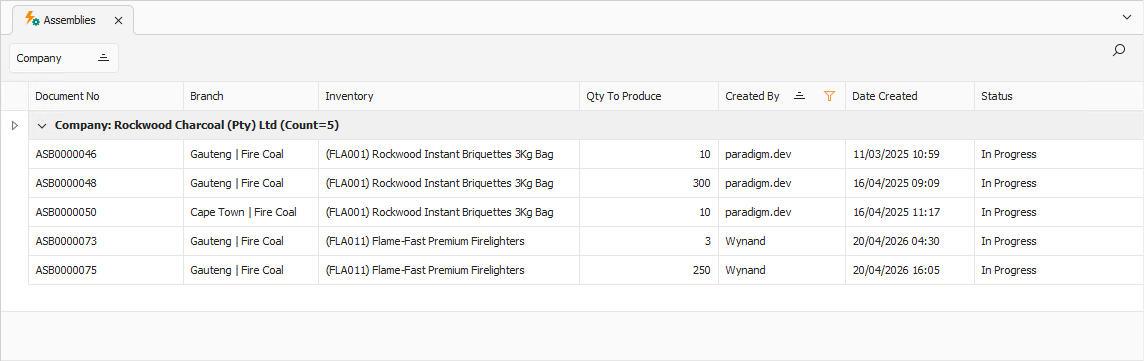
Opening the assembly displays its Assembly tab.
Assembly Tab
Confirm that the information on the Assembly tab is correct.
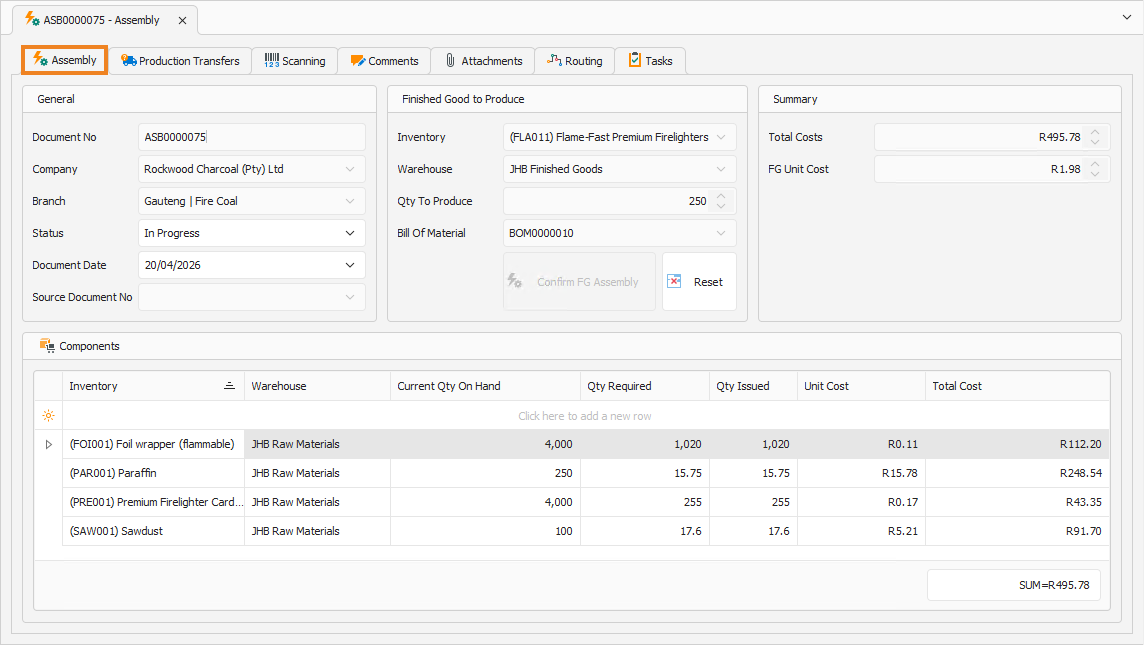
You can update the Qty To Produce if required. To update the Qty To Produce, click Reset.
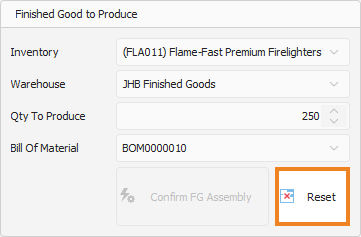
This clears the calculated Components and enables you to update the Qty To Produce to the required amount. Once done, click Confirm FG Assembly.
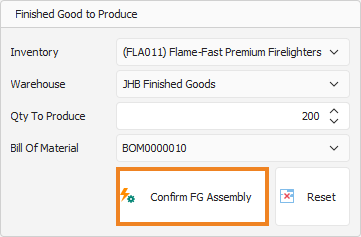
This populates the Components section with the new raw materials and consumables needed to produce the updated number of finished goods.
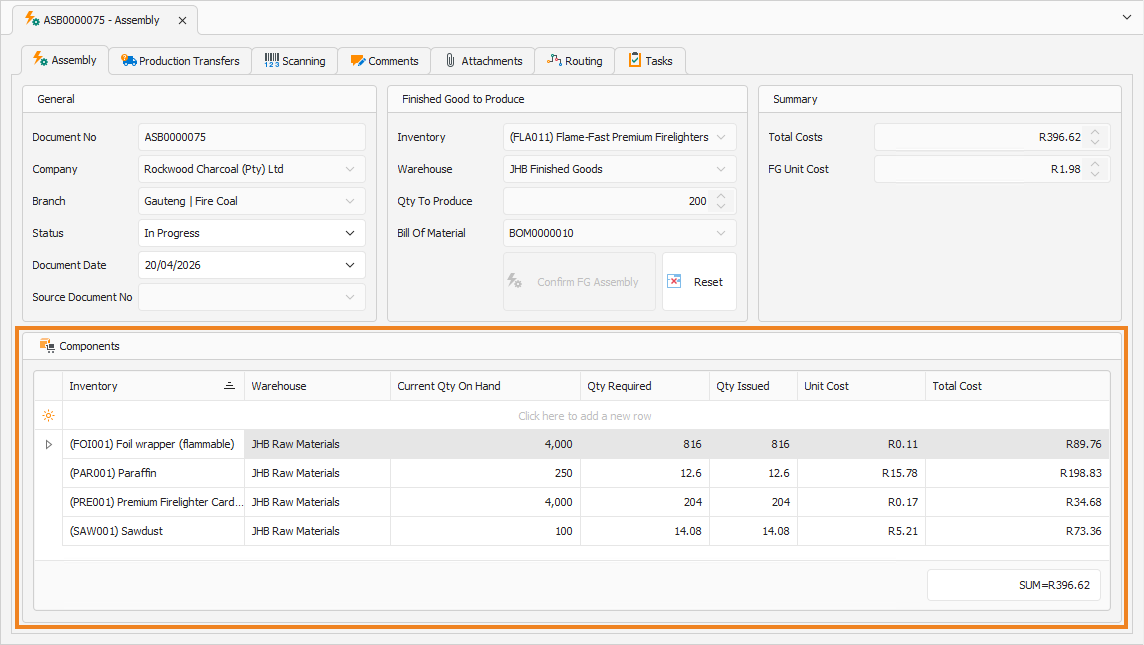
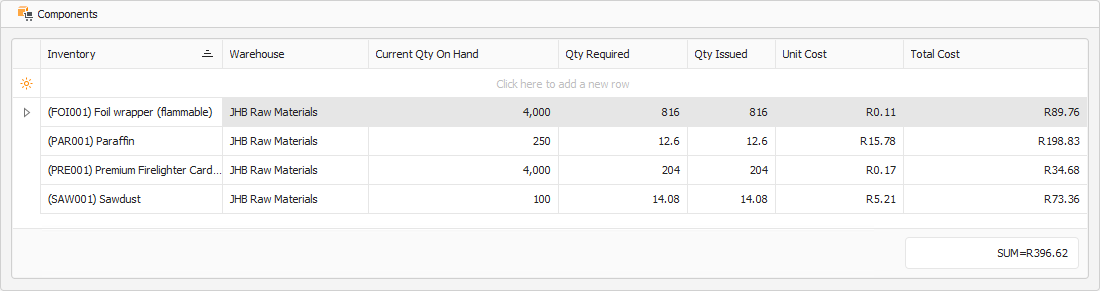
Components
The Components section displays the total amounts of raw materials and consumables consumed to produce the indicated number of finished goods.
Summary
Once the Components are populated, the Summary section is updated with the assembly cost.
- The Total Cost field displays the total cost of raw materials and consumables to produce the indicated number of finished goods.
- The FG Unit Cost field displays the cost to produce a single finished good item.
Once done, click Save (Ctrl+S). This saves the assembly. You can also press Ctrl+Enter to save and close the assembly. Once done, click Process Assembly on the toolbar.

A popup appears, asking you to confirm the action.
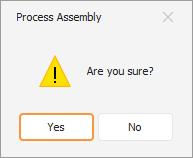
Click Yes to confirm processing of the assembly. A popup confirms successful processing.
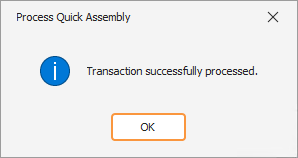
Click OK to close the popup and return to the assembly. With the assembly processed, you can now create a disassembly directly from it.