
Navigation › Administration › Setup › Approval Task Templates
Approval task templates are a means of controlling approval processes for various transactions, such as credit notes and inventory adjustments. Approval task templates allow you to assign tasks to specific employees who must approve the transactions before they can be processed.
Note: This article focuses on the minimum fields required to create an approval task template.
To add a new approval task template, click New (Ctrl+N) on the toolbar. This opens a new blank Approval Task Template screen.
Task Template Details
In the Task Template Details section, you must complete the approval task template's basic information.
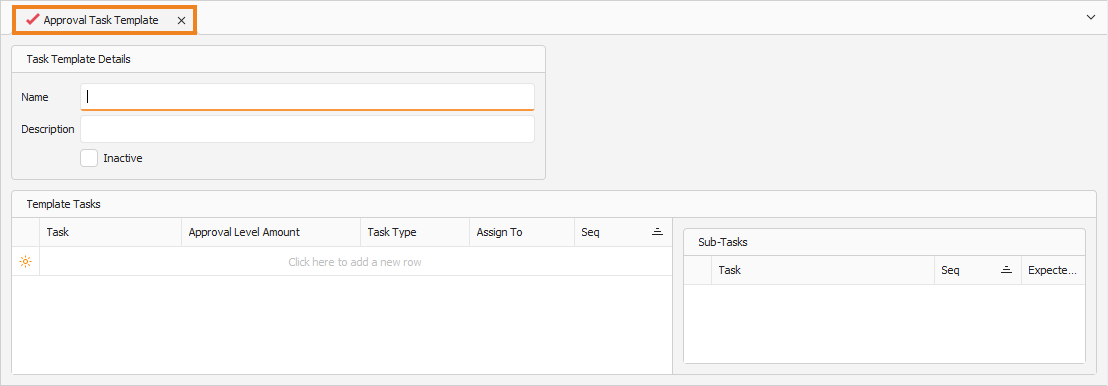
Task Template Details
- Enter a Name for the approval task template.
- Enter a Description for the approval task template.
Template Tasks
In the Template Tasks section, you have to create the approval tasks and complete their details.
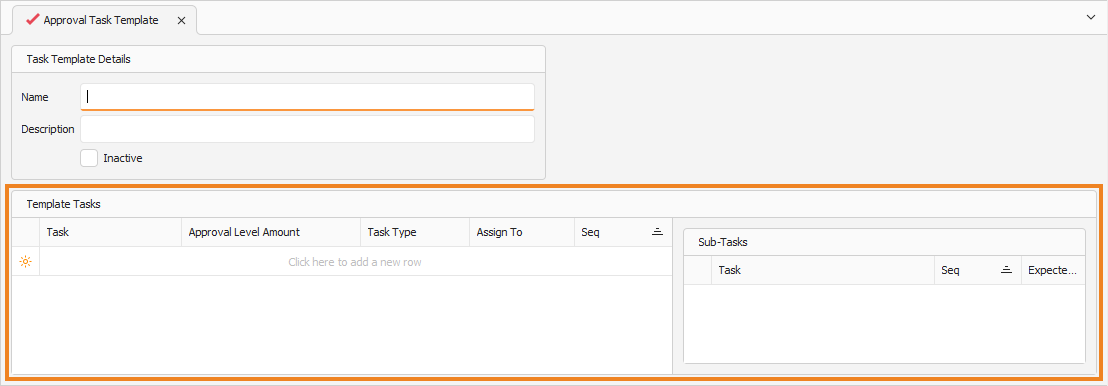
Note: Add a new line item to the list by clicking the empty cell under Template Tasks.
- Enter a Task name.
- Enter the Approval Level Amount. If a transaction's total value exceeds this amount, it must be approved before it can be processed.
- Select the Task Type.
- Select the employee to whom the approval task is assigned in the Assign To column.
- Enter the sequence number for the approval task in the Seq column. This sequence number is used to manage the task approval steps.
Repeat the above steps until all required approval tasks are added to the approval task template. Once done, click Save (Ctrl+S). This saves the approval task template. You can also press Ctrl+Enter to save and close the approval task template.