
Navigation › Documents › Processing › Credit Notes
Note: This article focuses on the simplest common use case for approving a purchase order.
To approve a purchase order, navigate to the relevant purchase order. Open it by double-clicking it in the list, or by selecting it and pressing Enter.
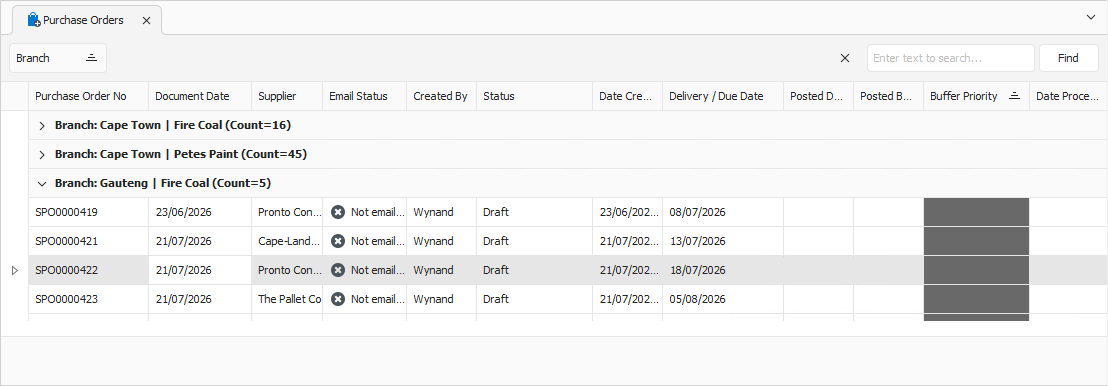
Opening the purchase order displays its General tab.
General Tab
Confirm that the information on the General tab is correct.
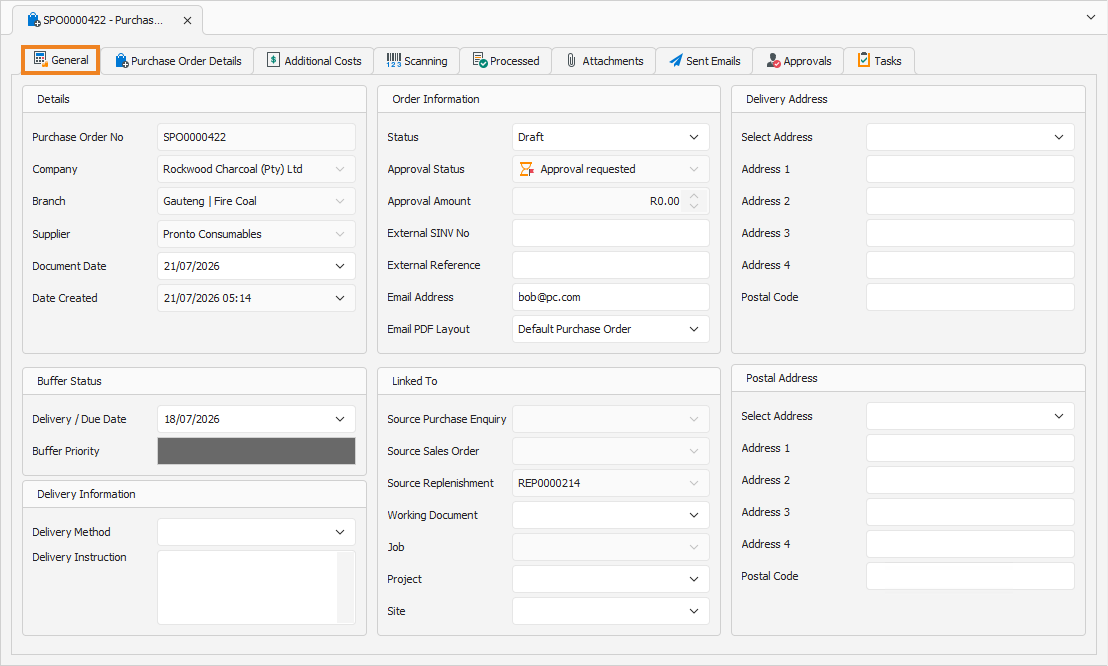
You can update some of the fields if required. Once done, click the Approvals tab to continue.
Approvals Tab
The Approvals tab displays the required approvals for the purchase order.

Select each applicable line item that requires approval, and click Approved.

Once all line items are approved, the purchase order is ready for processing.