
Navigation › Administration › Setup › Employees
A default driver is assigned to a vehicle on the vehicle document, but drivers can also be changed when a delivery shipment is created. Drivers are employees marked as a "driver" on their profile.
Note: This article only states how to mark an employee as a driver. To create a new employee, refer to the relevant article.
To mark an employee as a driver, navigate to the Employees section.
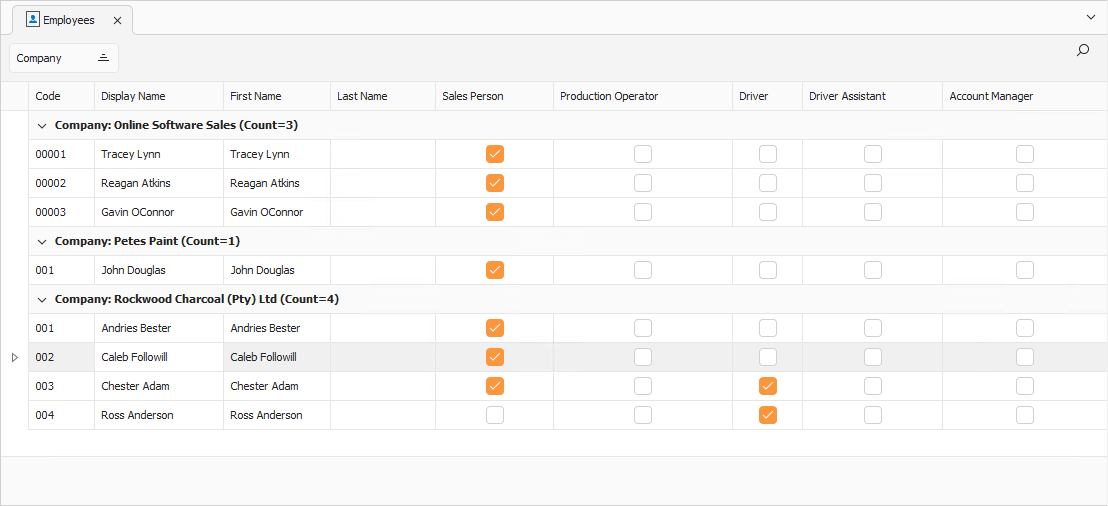
In the Driver column, check the employees to mark as drivers.
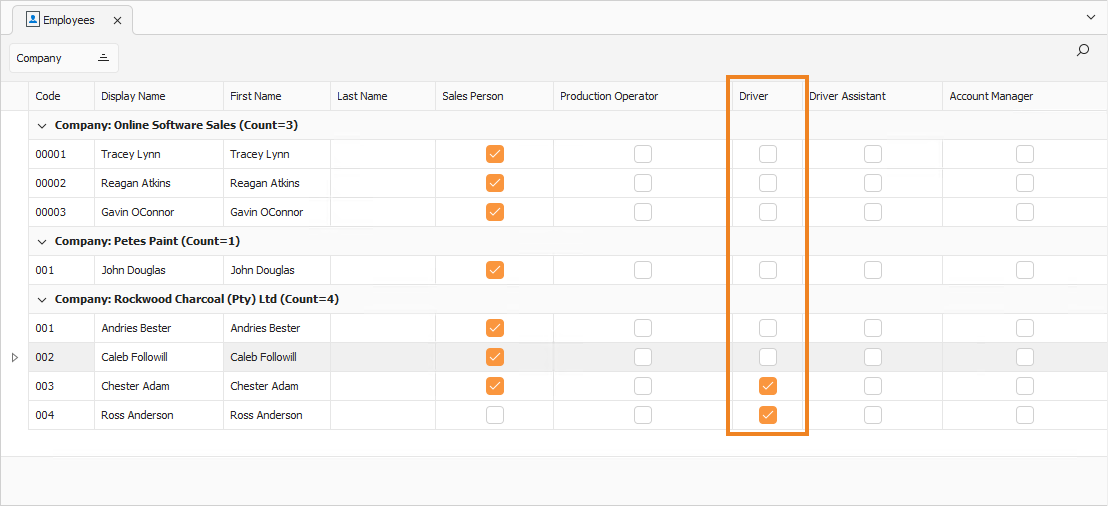
Once done, click Save (Ctrl+S). This saves the employees as drivers. You can also press Ctrl+Enter to save and close the Employees section.