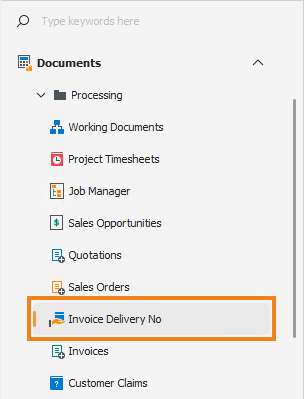
Navigation › Administration › Setup › Companies
Per-Invoice Delivery Numbers
With 3-stage invoicing disabled, the system defaults to generating an invoice delivery number for each invoice. This invoice delivery number appears on the invoice, and each invoice is linked to only one delivery number. This is suitable for companies that, for example, complete a delivery and immediately invoice the goods.
To disable 3-stage invoicing for a company, navigate to the relevant company. Open it by double-clicking it in the list, or by selecting it and pressing Enter.

Opening the company displays its Details tab. Click the Settings tab to continue.
Settings Tab
The Settings tab displays the company's document, transaction and other settings.
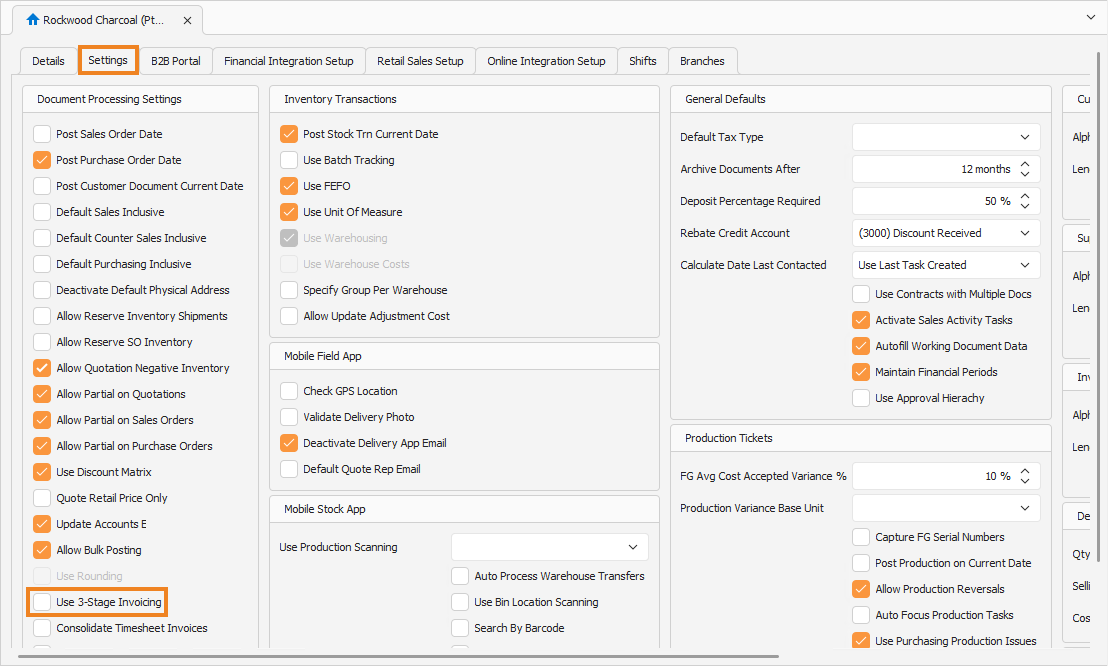
Ensure Use 3-Stage Invoicing is unticked. This disables 3-stage invoicing for the company.
To see per-invoice delivery numbers in practice, generate an invoice from a sales order. Refer to the Generate Invoice from Sales Order article for more information on how to proceed.
Navigation › Documents › Processing › Sales Orders
Sales Order
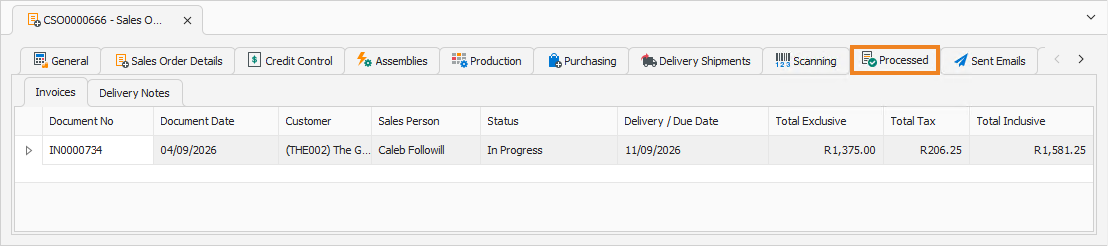
Opening the sales order displays its General tab. Click its Processed tab to continue.
Processed Tab
The Processed tab displays the invoices and delivery notes generated from the sales order. Open the invoice by double-clicking it in the list, or by selecting it and pressing Enter.

Opening the invoice displays its General tab.
Invoice General Tab
The General tab displays the invoice's general information.
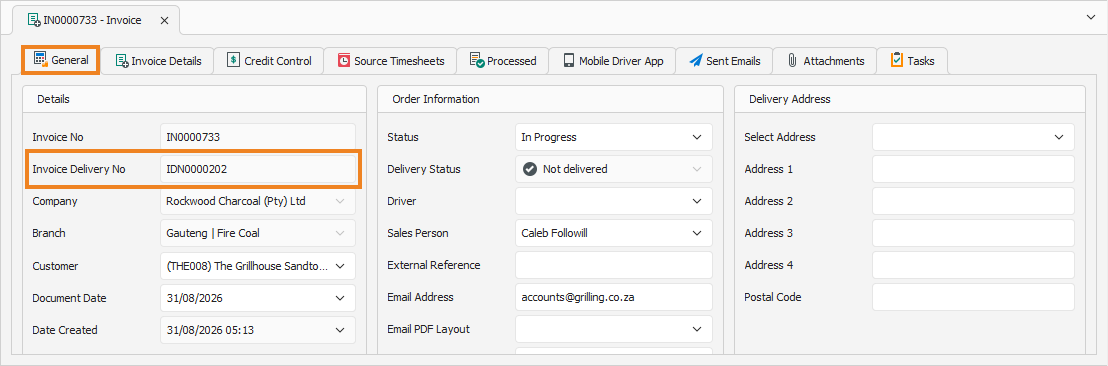
Note the Invoice Delivery No field that displays the linked invoice delivery number. No separate delivery note is created for this sales order. Instead, an Invoice Delivery Number Document is generated once the sales order is released to a driver. This document can be viewed in the Invoice Delivery No section.