
Navigation › Documents › Processing › Toolbar › Print
Note: While the Print process is the same for all transactional documents, a purchase order is used as the example for this article.
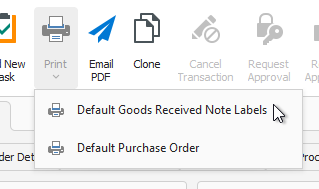
To print a sales transaction PDF document, click Print on the toolbar.
Note: For transactions that have a financial impact, such as purchase orders and goods received notes (GRNs), the document can only be printed if the transaction is processed and cannot be edited anymore.

A dropdown appears, allowing you to select the print layout to use.
Selecting a print layout displays a preview of the PDF document in the selected layout.
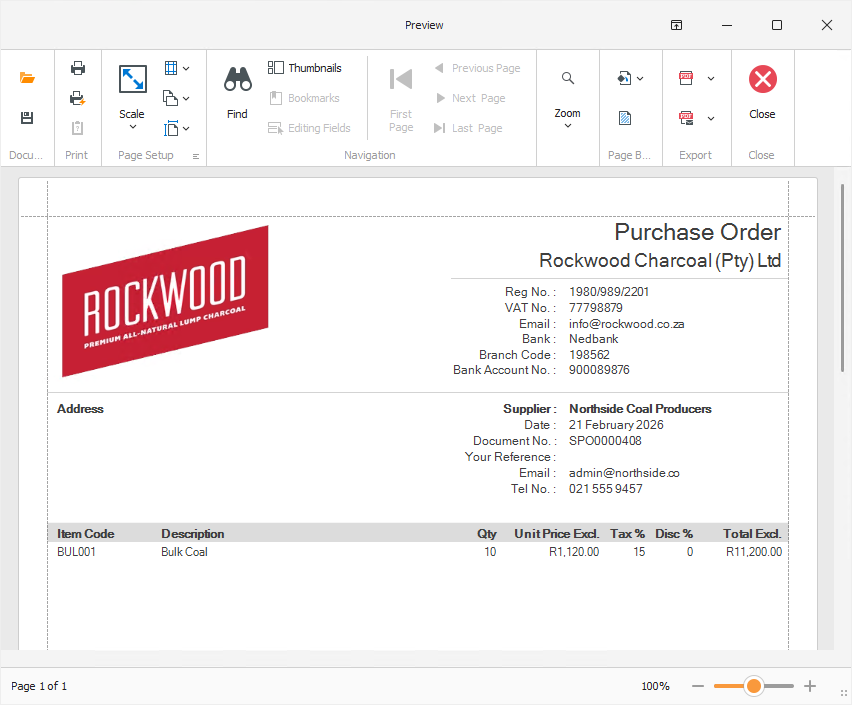
From here, the document can be printed, and the preview closed.