
Navigation › Documents › Processing › Toolbar › Bulk Print PDF
Note: In this article, the purchase orders section is used to show the Bulk Print process. The process is the same for goods received notes (GRNs), supplier invoices and returns to supplier (RTSs).
Note: To use bulk printing, it needs to be enabled for the selected document type. The document type and template also need to be designed to accommodate bulk printing.
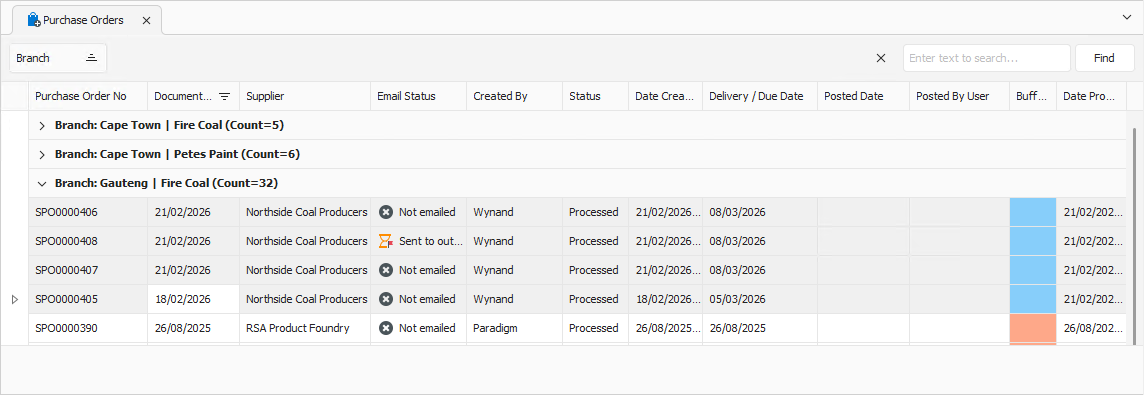
To print multiple transaction PDF files, select the transactions you want to print from the list.
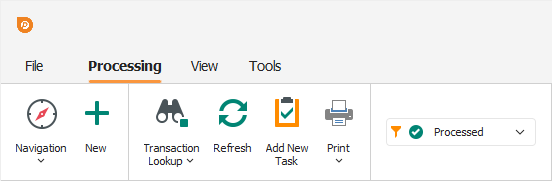
Click Print on the toolbar.
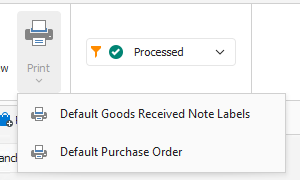
A dropdown appears, allowing you to select the print layout to use.
Selecting a print layout displays a preview of the PDF documents in the selected layout.
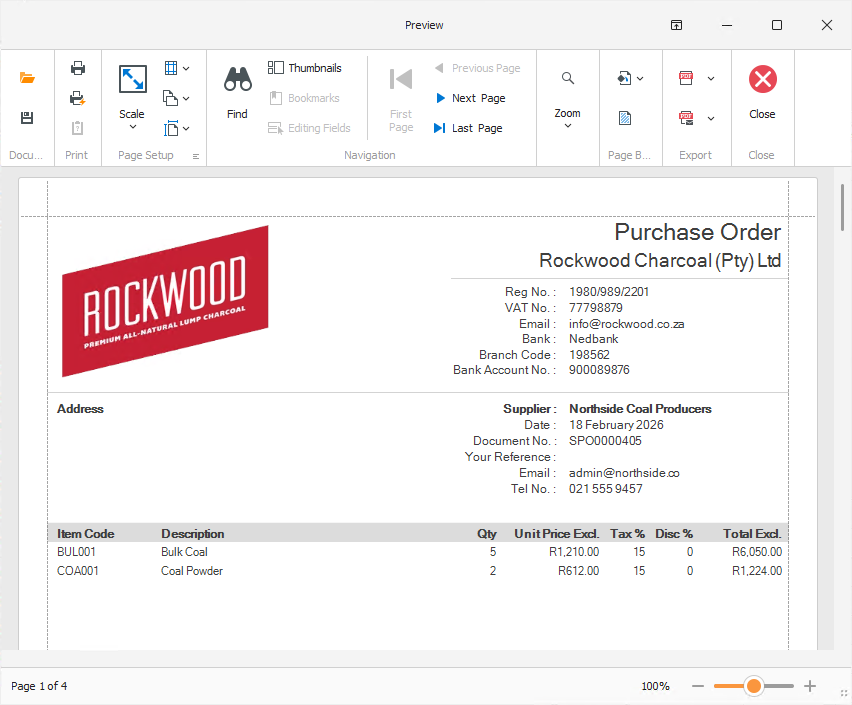
From here, the documents can be printed, and the preview closed.