Navigation › Production › Maintenance › Bill Of Material
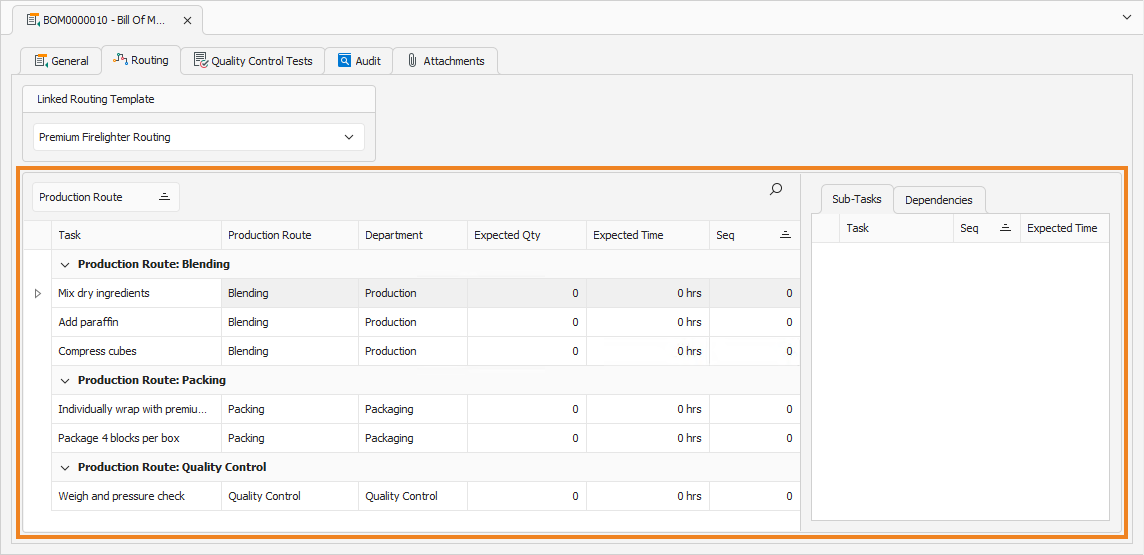
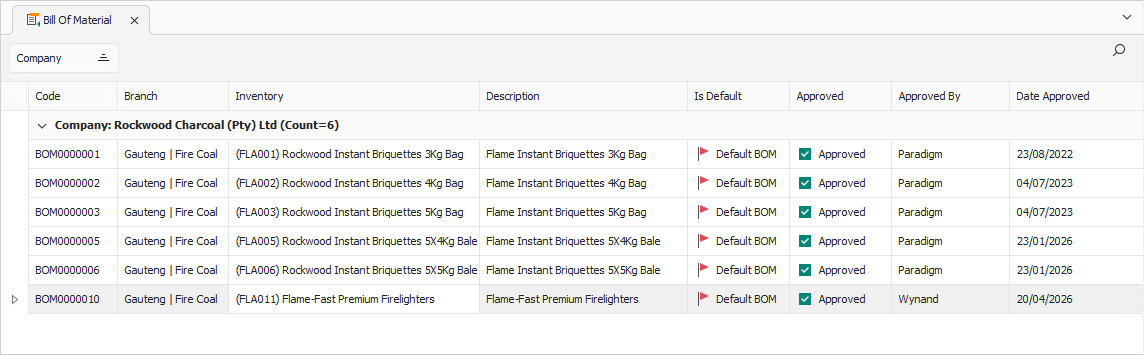
To automatically use a production routing template, the template must be linked to a bill of material (BOM). Whenever the BOM is selected, the linked production routing template is imported. To link a production routing template to a BOM, navigate to the relevant BOM. Open it by double-clicking it in the list, or by selecting it and pressing Enter.
General Tab
Confirm that the information on the General tab is correct.
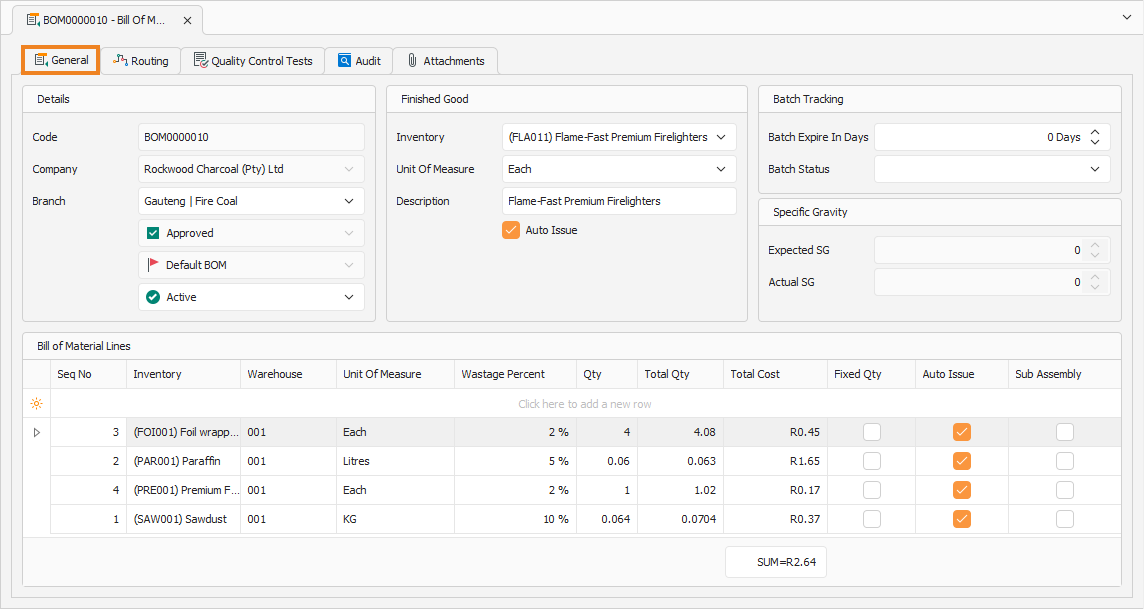
You can update some of the fields if required. Once done, click the Routing tab to continue.
Routing Tab
The Routing tab is used to view and update the production routing template associated with the BOM.
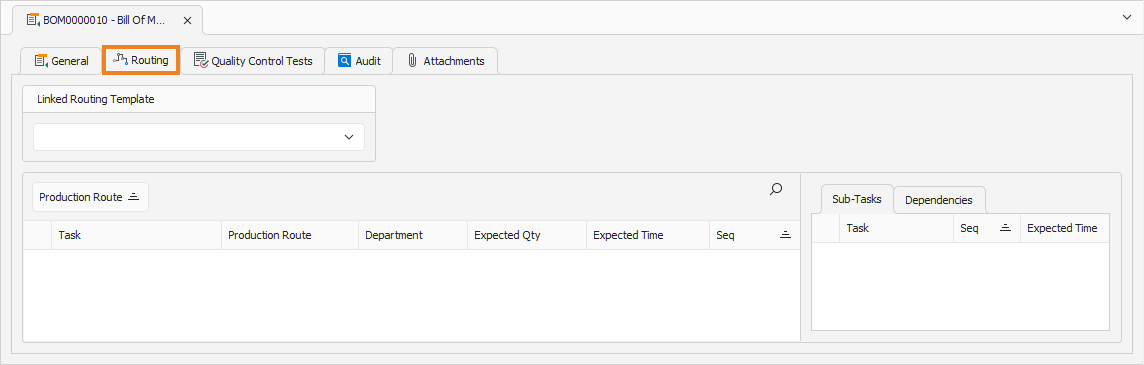
Select the routing template to link to the BOM under Linked Routing Template. Once done, click Save (Ctrl+S). This saves the BOM and displays the li production routing template.