
Navigation › Documents › Processing › Toolbar › Bulk Email PDF
Note: In this article, an nvoice is used to show the Bulk Email PDF process. The process is the same for credit notes.
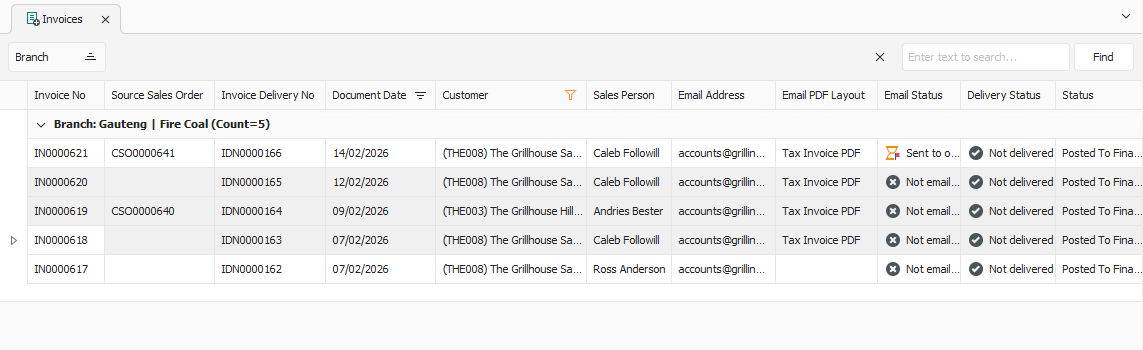
To email multiple transaction PDF files, select the processed transactions you want to send from the list.
Note: A maximum of 25 transactions can be emailed simultaneously.
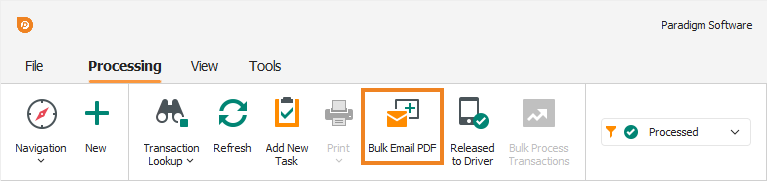
Click Bulk Email PDF on the toolbar.
Note: Transactions can only be emailed if they have a saved Email Address and Email PDF Layout.
A popup appears, asking you to confirm the action.
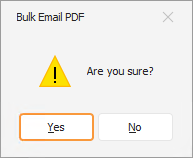
Click Yes. The PDF documents are generated and emailed, and a confirmation popup appears.
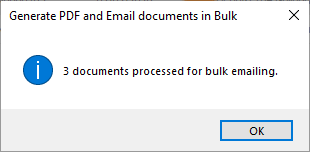
Click OK to close the popup and return to the transaction list.