
Navigation › Documents › Processing › Transaction
Note: While the Clone process is the same for all transactional documents, a quotation is used as the example for this article.
To clone a sales transaction, navigate to the relevant transaction. Open it by double-clicking it in the list, or by selecting it and pressing Enter.
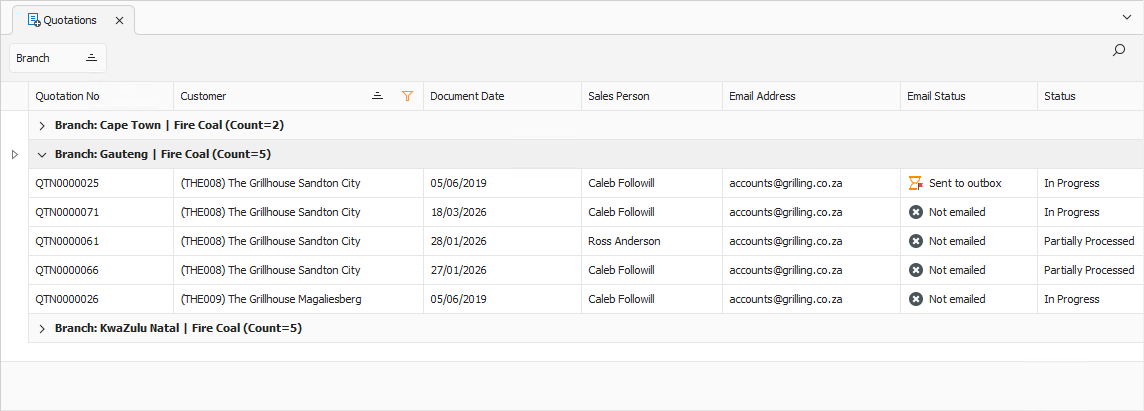
Click Clone on the toolbar.

A popup appears, asking you to confirm the action.
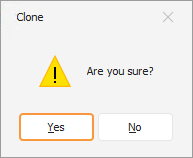
Click Yes to clone the sales transaction. A copy is created and opened for viewing or processing.
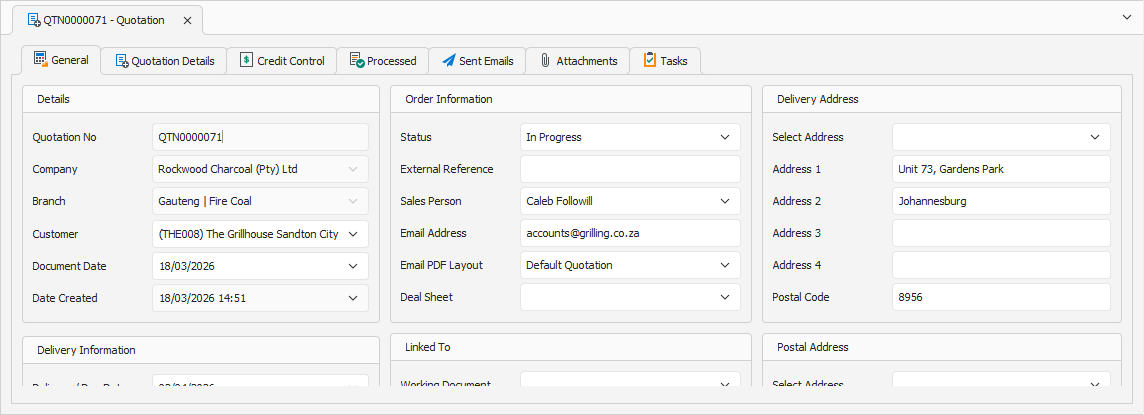
Note: The sales transaction is created and saved immediately when cloned.