
Navigation › Documents › Processing › Toolbar › Bulk Process Transactions
Note: In this article, an invoice is used to show the bulk processing functionality. The process is the same for credit notes.
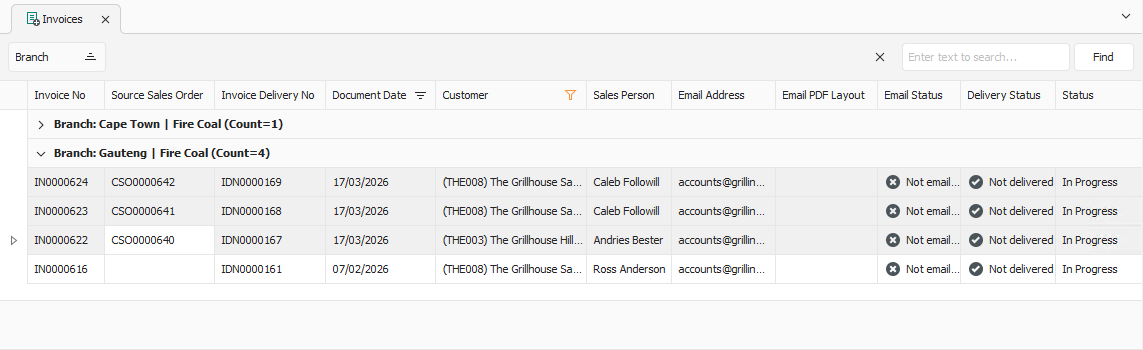
To process multiple transactions, select the unprocessed transactions from the list.
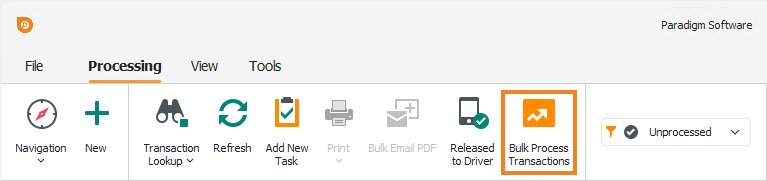
Click Bulk Process Transactions on the toolbar.
A popup appears, asking you to confirm the action.
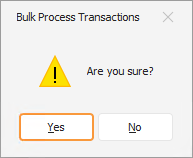
Click Yes. This processes the transactions and returns you to the transaction list.