
Navigation › Production › Processing › Production Tickets
Note: This article covers the simplest common use case for approving a production ticket.
Production tickets that are in Reconciling must be approved before processing. To approve a production ticket, navigate to the relevant production ticket. Open it by double-clicking it in the list, or by selecting it and pressing Enter.
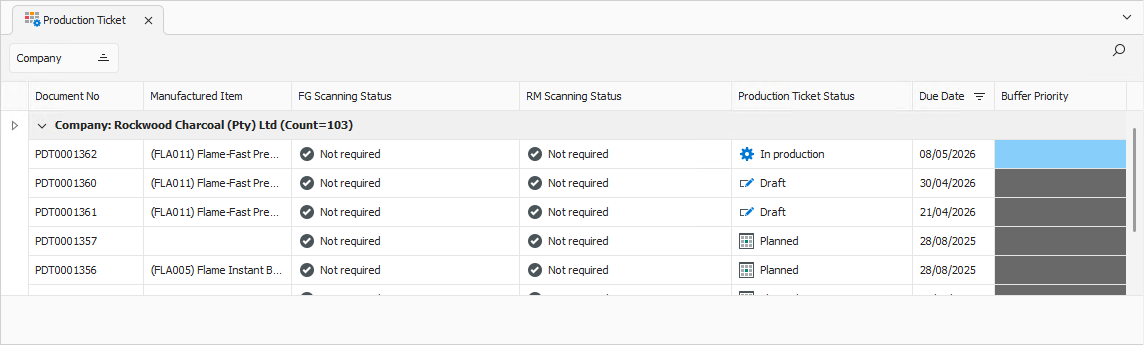
Opening the production ticket displays its General tab.
General Tab
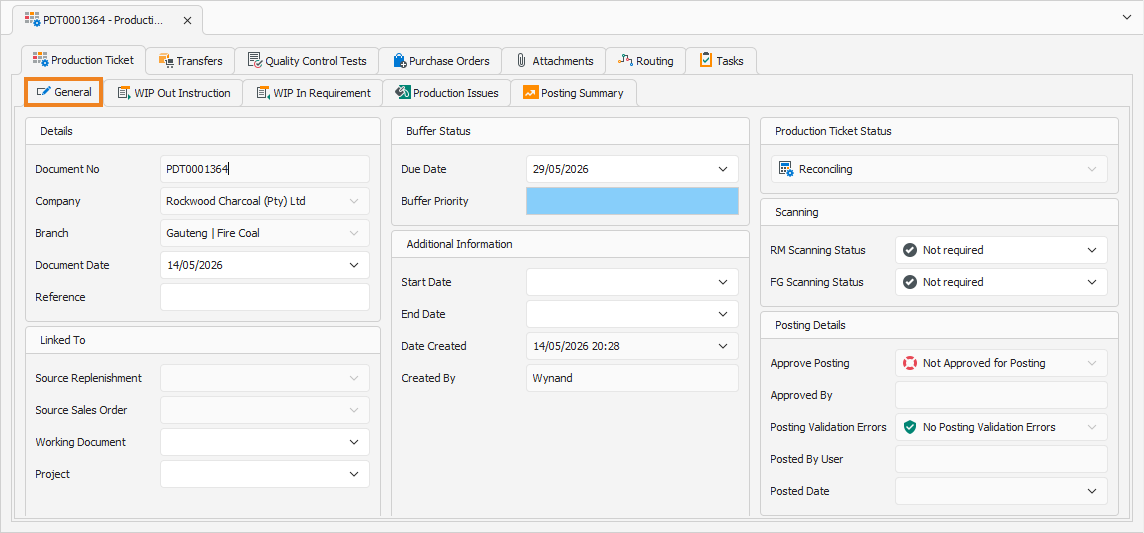
Confirm that the information on the General tab is correct.
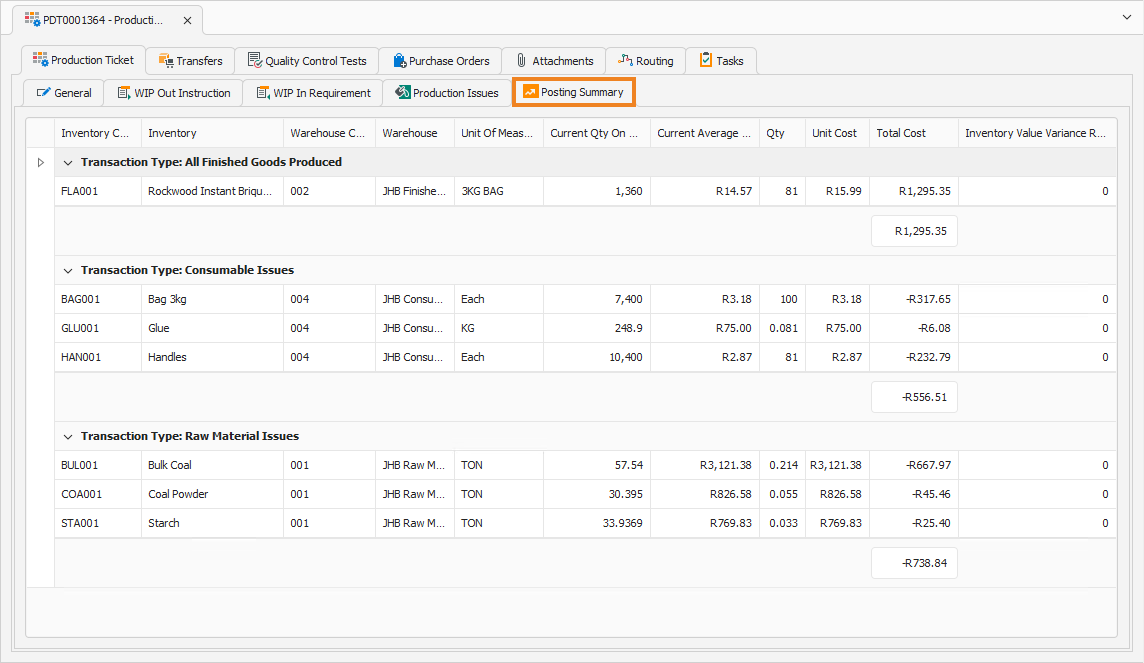
Click the Posting Summary tab to continue.
Posting Summary Tab
The Posting Summary tab displays the finished goods items, raw materials and consumables produced and consumed during the production run. It also includes the current stock on hand, current average cost per unit, unit cost and total cost per inventory item.
Click Approve Ticket.

This approves the ticket, and it can now be processed.