
Navigation › Administration › Setup › Branches
The delivery or due date is populated automatically when sales orders are created. The branch's buffer priority board determines this delivery or due date. Here, a default lead time is specified and automatically applied to new sales orders.
Note: While a default delivery/due date is applied when a sales order is created, this date can be updated if needed.
To update the default order lead time, navigate to the relevant branch. Open it by double-clicking it in the list, or by selecting it and pressing Enter.
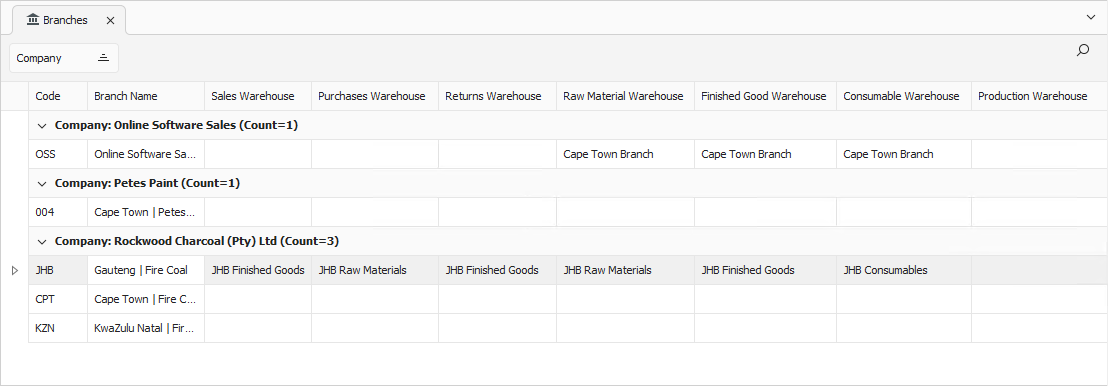
Opening a branch displays its Details tab. Click the Settings tab to continue.
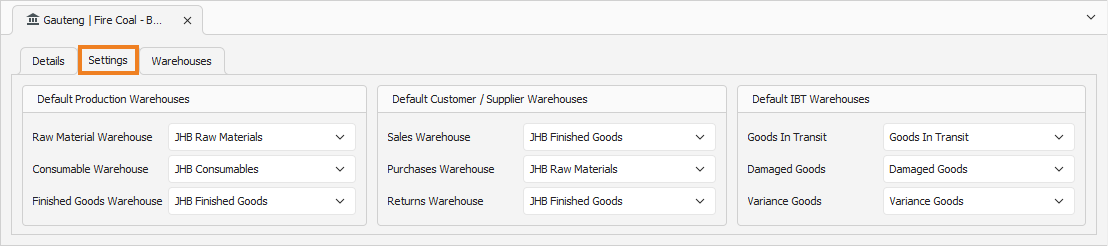
Buffer Priority Boards
In the Buffer Priority Boards section, you can update the lead time as needed.
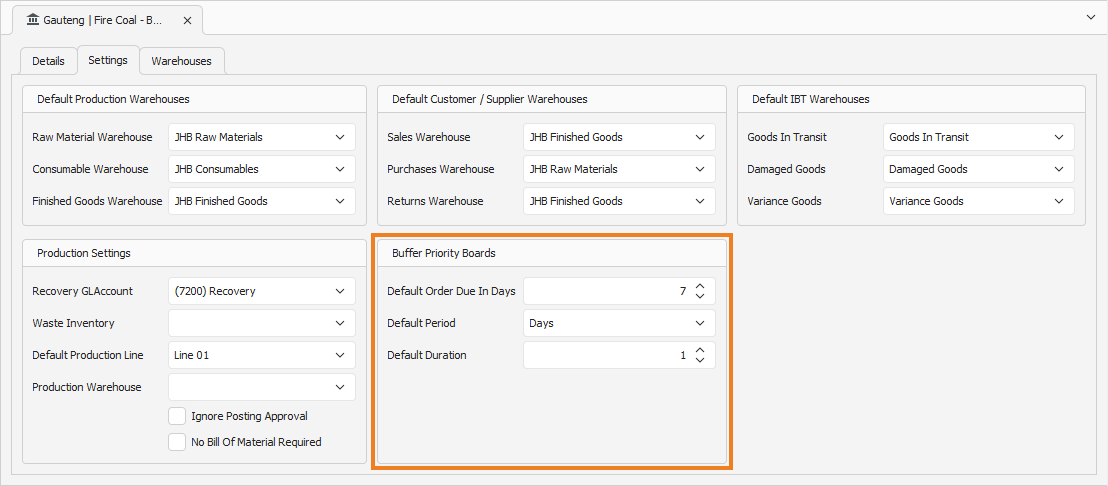
- Enter the Default Order Due In Days. This is the default lead time that is applied to new sales orders.
- Select the Default Period, either in Days or Weeks, which determines if sales orders remain in an applicable buffer status for the set number of working days or weeks.
- Enter the buffer priorities' Default Duration. This is the number of working days or weeks that sales orders remain in each buffer status, leading up to the due date.
Once done, click Save (Ctrl+S). This saves the branch settings. You can also press Ctrl+Enter to save and close the branch settings.